
A few quick notes before diving in. I primarily use my personal PCs for gaming and managing a growing list of digital services (Calibre, being my current die hard favorite). I don't stream or edit video. I game, and I game hard when I can.
My biggest regret is installing Windows 11 at all on my new PC. I should've just gone with Linux from the beginning, but live and learn. So, now Build #1 is my Linux machine and Build #2 is my Windows machine (🤢🤮) Yes I know dual booting is a thing, but I 100% know that I'd mess it up somehow. As it stands, I kind of like keeping the two separate, but I tend to enjoy using my Linux machine instead of my Windows machine, and it definitely comes down to software options.
Build Comparison
| Part | Old Build (Sept. 2020) | New Build (Dec/Jan 2024) |
|---|---|---|
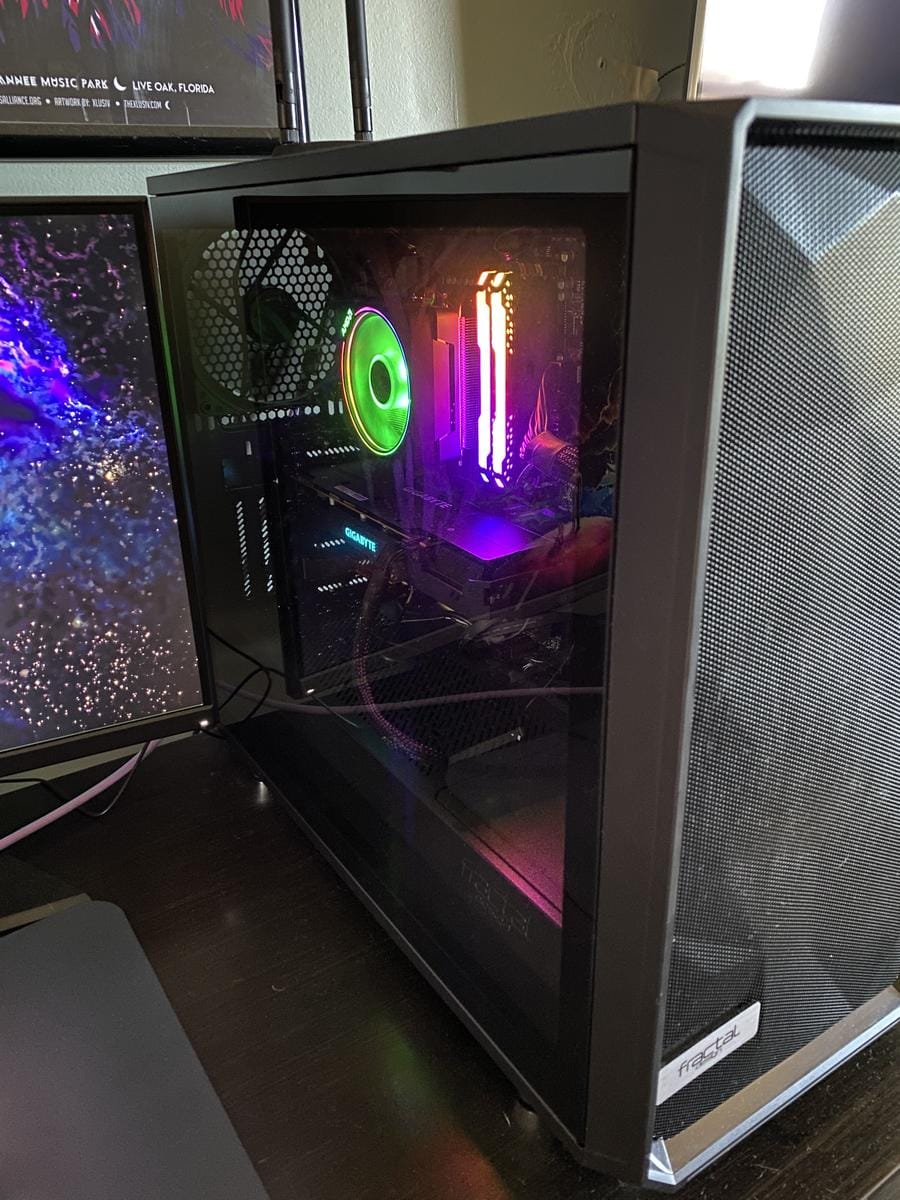
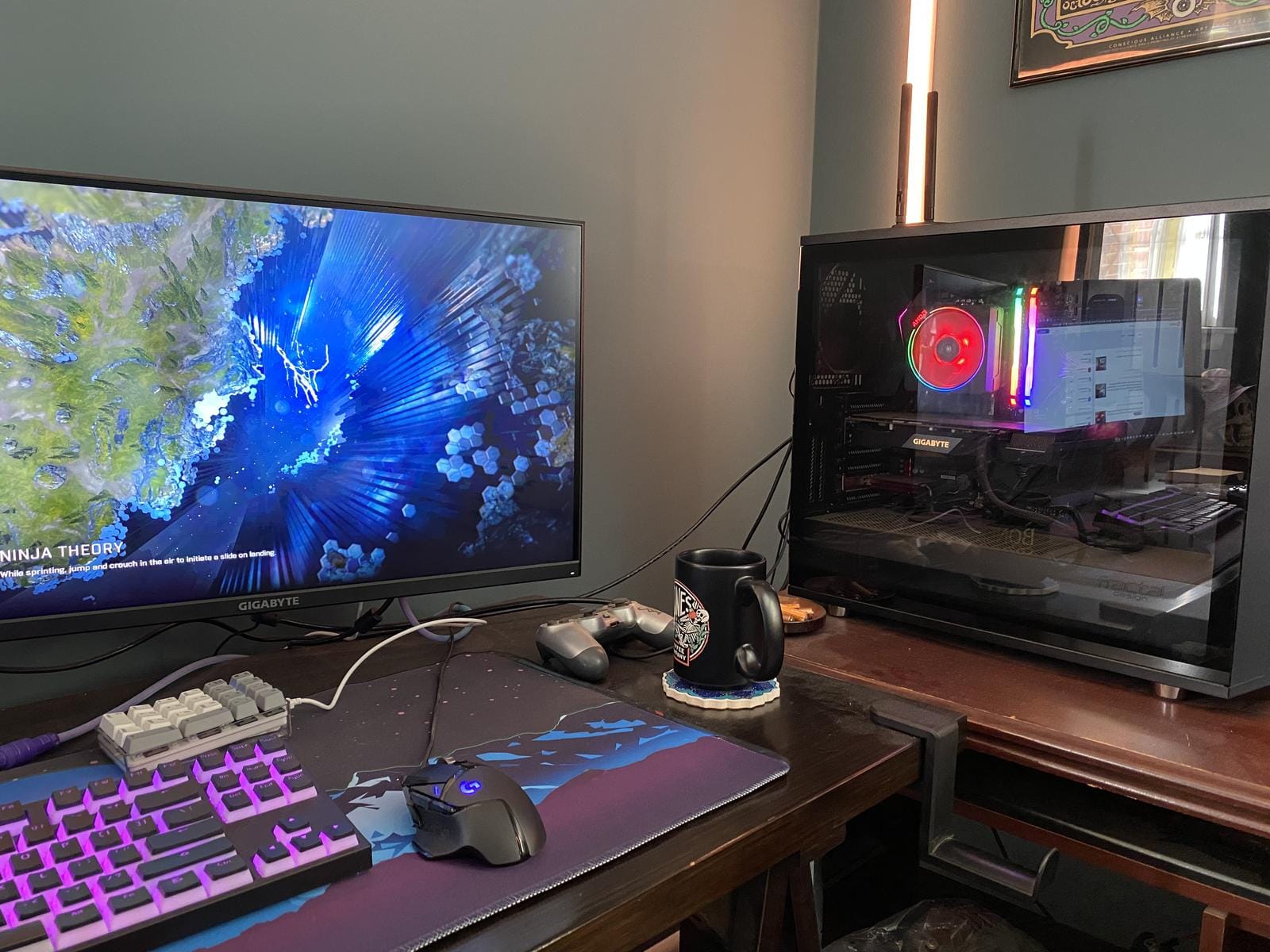
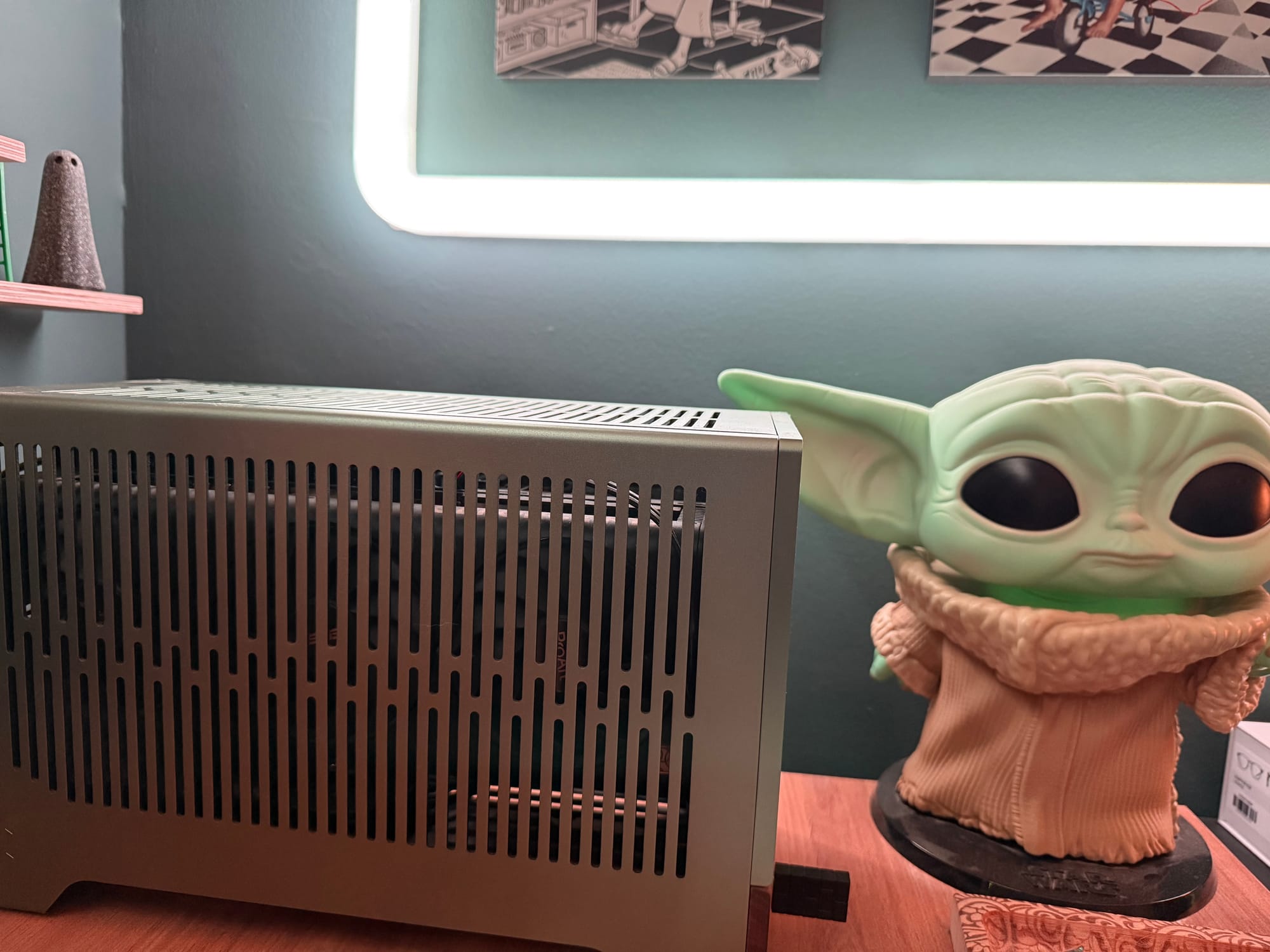
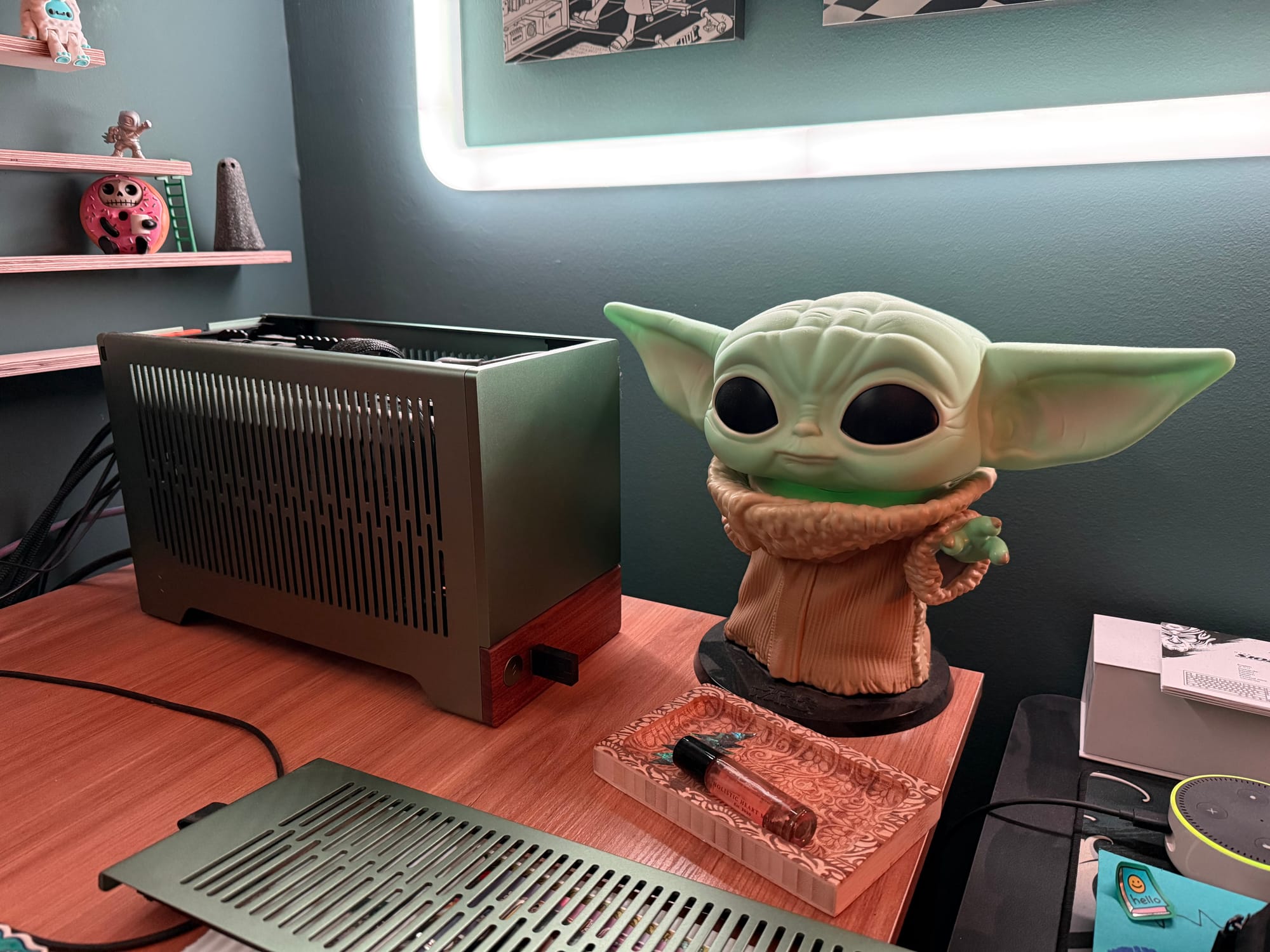
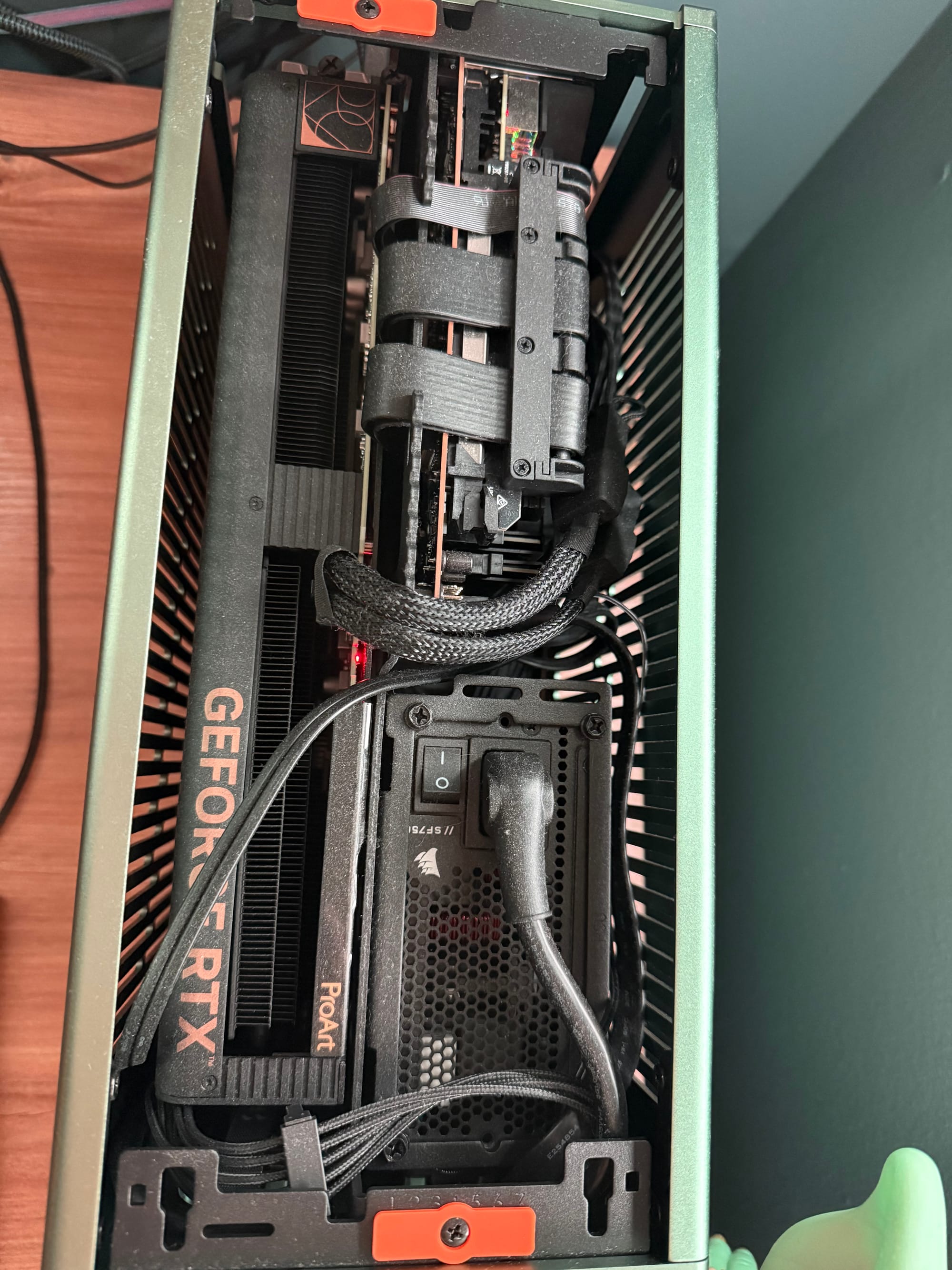
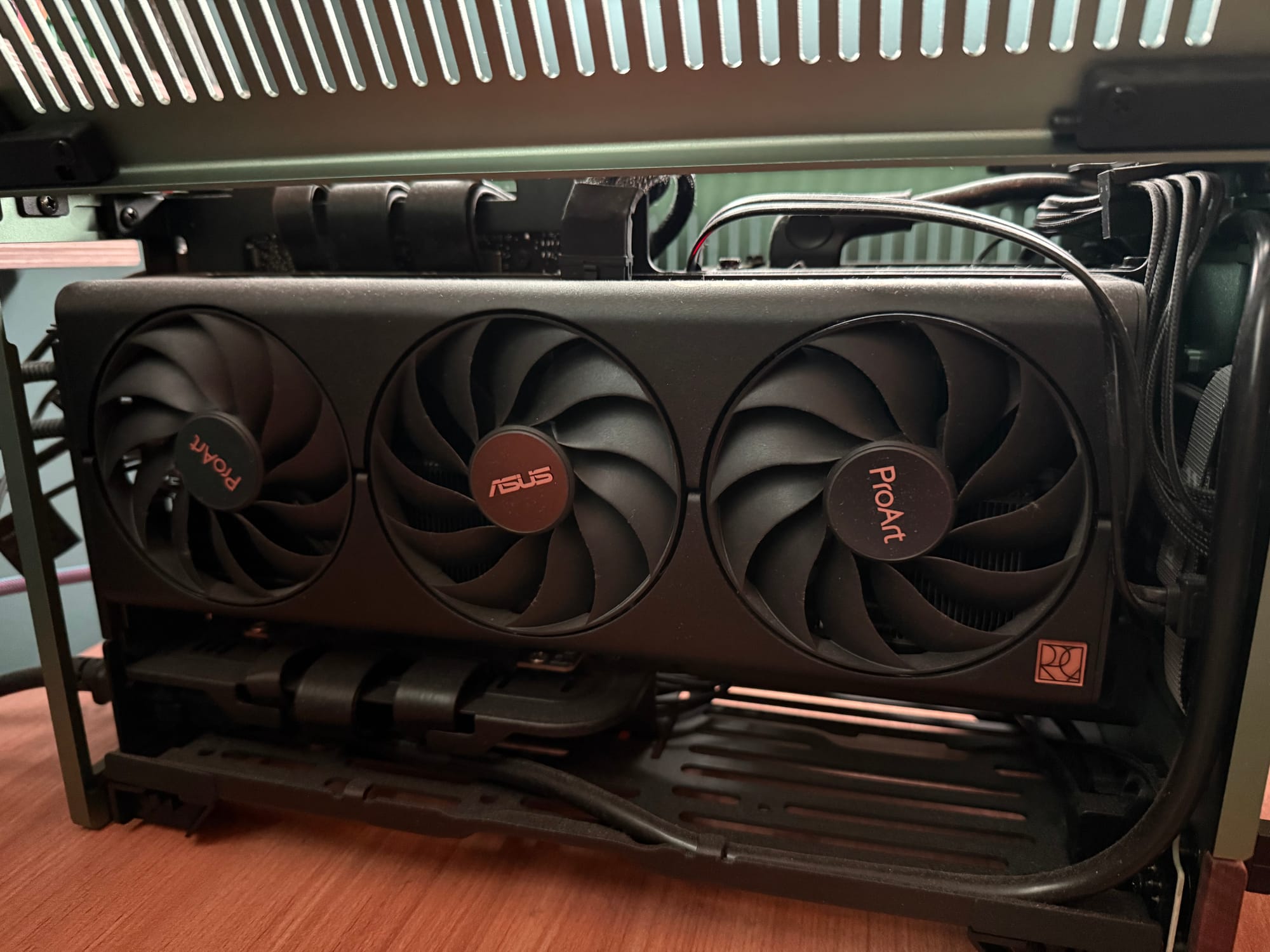
| Case | Fractal Design Meshify S2 Black ATX | Fractal Design Terra (Jade) |
| Motherboard | Gigabyte X570 AORUS Elite | Asus ROG Strix B650E-I Gaming WiFi AMD B650 AM5 mITX |
| Storage | Sabrent 500 GB Rocket Nvme PCIe 4.0 M.2. 2280 SSD | Samsung 990 EVO Plus SSD 4TB, PCIe Gen 4x4, Gen 5x2 M.2. 2280 |
| Storage | Samsung 860 EVO Series 2.5" 1 TB SATA III V-NAND | Samsung 990 EVO Plus 1 TB M.2-2280 PCIe 5.0 X2 NVME Solid State Drive |
| GPU | Gigabyte Radeon RX 5600 XT 6 GB (GV-R56XTGAMING OC-6GD rev. 2.0) | Asus ProArt GeForce RTX 4070 Super OC 12GB |
| PSU | EVGA SuperNOVA 750 GA, 80+ Gold 750W | Corsair SF Series (2024) SF750 80+ Platinum |
| CPU | AMD Ryzen 7 3rd Gen - Ryzen 7 3700X Matisse (Zen 2) 8-Core 3.6 GH | AMD Ryzen 7 7800X3D |
| CPU Cooler | Stock AMD Wraith | Noctua NH-L9a-AM5 chromax.Black |
| Memory | Corsair Vengeance RGB Pro 16 GB DDR4 3200 | G. Skill Flare X5 Series (AMD Expo) DDR5 RAM 32 GB |
Only photos I could find.
Version 1.0 - First Build
This first build was a spontaneous, height-of-the-COVID-pandemic build. The GPU craze wasn't in full swing yet, and working from home was the norm (and has remained so for me since then).
I was chatting with a friend when the topic switched to building a custom PC. I had been researching different builds, basically just lurking the PC-related subreddits, and I said something to that effect. Less than an hour later, I've sent him a shopping list of PC parts across Newegg and Amazon. The next weekend, we're on a multi-hour FaceTime call while I virtually walk him through putting the PC together (even though I had no actual experience doing this myself).
Long story short, sometime between my friend placing his order and starting the build, I got FOMO and placed orders for a very similar PC build. The main difference is largely the motherboard: the one I originally purchased was dead-on-arrival, and, to be honest, a bit of a pain because the I/O faceplate was separate from the motherboard itself. It ended up being a happy accident, because the one I swapped for was, coincidentally, a higher-end, more premium model.
Ignore the dust!
Version 2.0 - Justifying the New Build: All in the Mind
I honestly don't know what caused the idea of a new PC build to creep into my subconscious. One day, I was happy as can be with my first build; the next, thoughts of upgrading had crept in unannounced.
I know it can be linked to a string of YouTube videos focusing on the Fractal Design Terra case; additionally, I'm sure finding my way to the r/SFFPC (small form factor PCs) didn't help my decision-making. Lastly, it was close to the holiday season and I still have family members that like to purchase gifts unnecessarily, so I'm sure more than a few of these parts were gifted as part of the holiday season (specifically, the case itself, which is a pretty penny for essentially a pretty box).
I should mention that my desktop computer sits on top of my desk, so a big part of this change was freeing up more desk space. Like, the Meshify S2 case is BIG, way bigger than I was expecting, and I hadn't really put any parts/upgrades into the case to warrant the extra real estate on my desk. No new drives, pretty much the stock fans it came with, no cool AIO CPU cooler, etc.
Long story short, I spent the majority of Christmas Day '24 building this SFF PC, which is a noticeable upgrade from my first build (at least, I think it is).
Comparison Notes
Monitor/Display
Regarding monitor choice, I purchased a Gigabyte G27F 27.0" 1920 x 1080 144 Hz Monitor to go with my first build. I still love this monitor and used it with my new build for some time, until that little voice in the back of my head started talking about potentially upgrading to a newer, improved monitor that would hopefully take full example of the extra VRAM, RAM, CPU processing power that went into the new build.
'Lo and behold, soon after, we upgraded to our first ultrawide(ish) monitor: the ASUS TUF WQHD 34" 3440 x 1440 165 Hz, and I've been pleasantly surprised. No complaints from the monitor front, and I use it daily for both work and pleasure. The 27" Gigabyte has been relegated to an auxiliary vertical monitor, which I have to say has it's pros and cons. A 27" vertical is TALL, feels like a skyscraper off to the side of my workstation, but it is nice for viewing portrait mode windows (think text files, discord chats, etc.).
Other Peripherals
- Mouse: I'm a die hard fan of the Logitech G502 Hero, which I own in both wired and wireless configurations.
- Keyboard: Keychron Q6 Max (I LOVE this keyboard; it's heavy, resilient, dependable, has the right amount of thock, it's just a great all around keyboard)
- Ancillary Keyboard: EPOMAKER Aula S102 Pro Membrane (I wanted a slightly better version of my old, backup keyboard (some cheap Dell wireless thing), so I found this one online. I don't HATE it, but it's not exactly my favorite either. Would I purchase the same model a second time? No.)
- Ancillary Monitor: There's been a somewhat recent development that keeps my first build in active use in my setup. Since my main workstation uses both of my "good" monitors, my side piece (my ancillary workstation) uses an old Dell 1080p monitor that's got to be pushing 20 years and still going strong. Like no joke, I got this monitor back in 2009?!?! So crazy and still works without any issues whatsoever.
- Desktop Speakers: Edifier R1280Ts (great speakers that I don't use nearly as much as I should, but whenever I do, I'm quite pleased).
- Headphones: an assorted variety, but my go-to is a pair of Sennheiser on-ear with a mic that I picked up from Drop forever ago. Nothing fancy, just does what it's supposed to perfectly.